You can now hand an entire portfolio view to ChatGPT, Claude, or any other AI agent in one step. Export for AI turns a Portfolio table into a single Markdown document a language model reads directly — so instead of describing your holdings, you paste them in and start asking.
Questions your agent can answer
- "Where am I overweight, and what would you trim to get back to my target allocation?"
- "How much of my 2025 return came from currency moves rather than the assets themselves?"
- "Which lots should I sell to harvest losses without changing my allocation much?"
- "Is my portfolio keeping up with inflation after fees and tax?"
- "Summarize my dividend income for the year and tell me which holdings drove it."
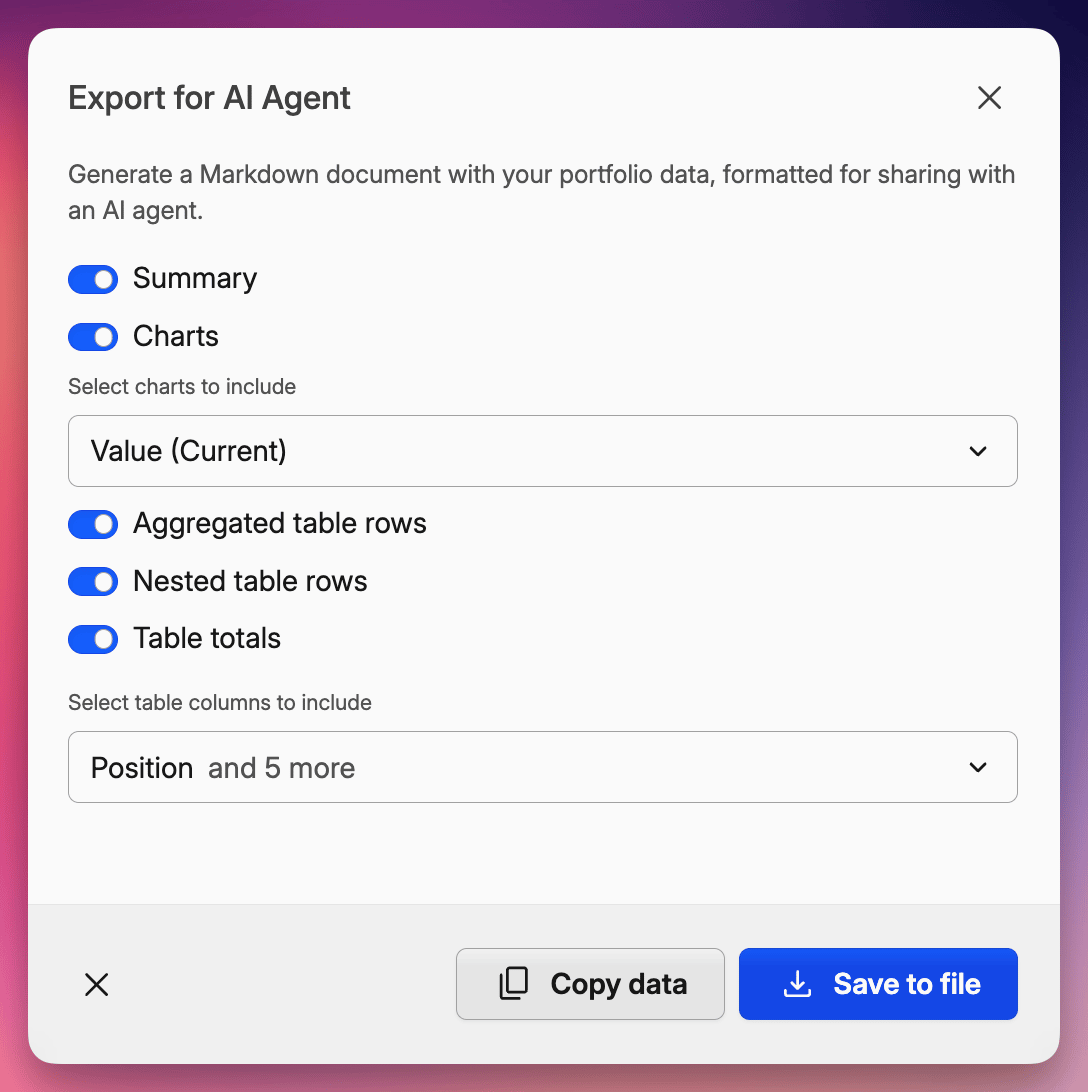
What's included
- Summary — your headline metrics: value, returns, income, fees, and tax
- Charts — your charts as data tables a model can actually read, not images
- Table — the holdings behind the view, in your currency and return method
Toggle any section on or off before you export.
Try it
Click the export icon above any Portfolio table and choose Export for AI, then Copy data — and paste into your AI chat. Want to ask about just one account or a handful of holdings? Select those rows first and the export narrows to them.
Nothing leaves Capitally on its own: the document is built in your browser, and you decide which agent ever sees it.
See the Exporting data guide for everything you can include.