Contact support from the app, with personal data masked before sending
Asking for help no longer means switching to your email and attaching files by hand. You write to us from inside the app, and you check what reaches us before it is sent. Your project is end-to-end encrypted, so we only ever see what you choose to send.
Contact support from anywhere in the app
Choose Contact support in the top-right ⋮ menu, pick what it is about and write your message. We answer by email to your account's address. Attach up to 8 files: screenshots, which you can paste straight into the message, or CSV, spreadsheets, JSON, XML, text files and PDFs.
Tick Include diagnostics to send the app version, your settings and recent activity. Tick Include an anonymized copy of this project when we need to reproduce a problem with your data. Its options anonymize names, randomize values or allocation, and limit the copy to the positions that matter.
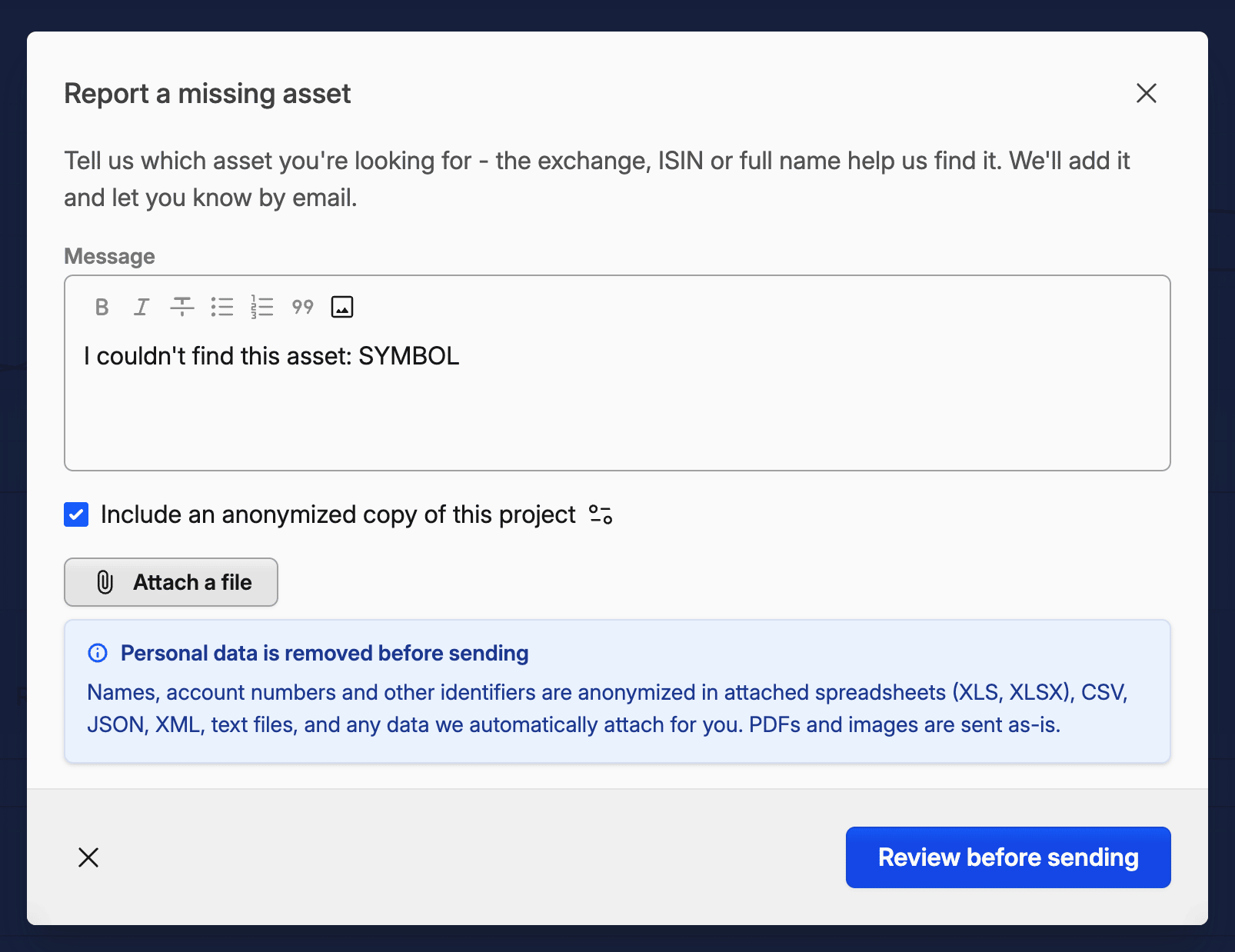
The same window opens already filled in where problems show up: the report icon next to any error, Let us know under an asset search that finds nothing, and data errors on a position.
Send a sample when importing transactions
When assets are missing, you can report them in one click. When we don't support your broker, or when a built-in preset can't read your file, you will now be asked to send us a sample file so we can implement or fix it. Whenever possible, we send just a small extract: the header, the rows around each error and the errors themselves.
Review the data before it's sent
Before anything leaves your device, Capitally lists the values that look personal: names, account numbers, identifiers and email addresses. It checks the sample, your attached files, the errors and the diagnostics. Ticked values are replaced with random look-alikes, such as another realistic name, so amounts and dates stay intact and we can still find the problem. See What we see before you send.
More private than email attachments
It's worth noting, that whatever is attached to the message is not routed through or stored on any email servers, and we delete the files after the ticket is resolved. It's now a preferred way to contact support.